
Client Onboarding Packet Template from Notion
Plan a clear welcome packet with a reusable client onboarding checklist, then turn selected Notion database pages into a PDF.
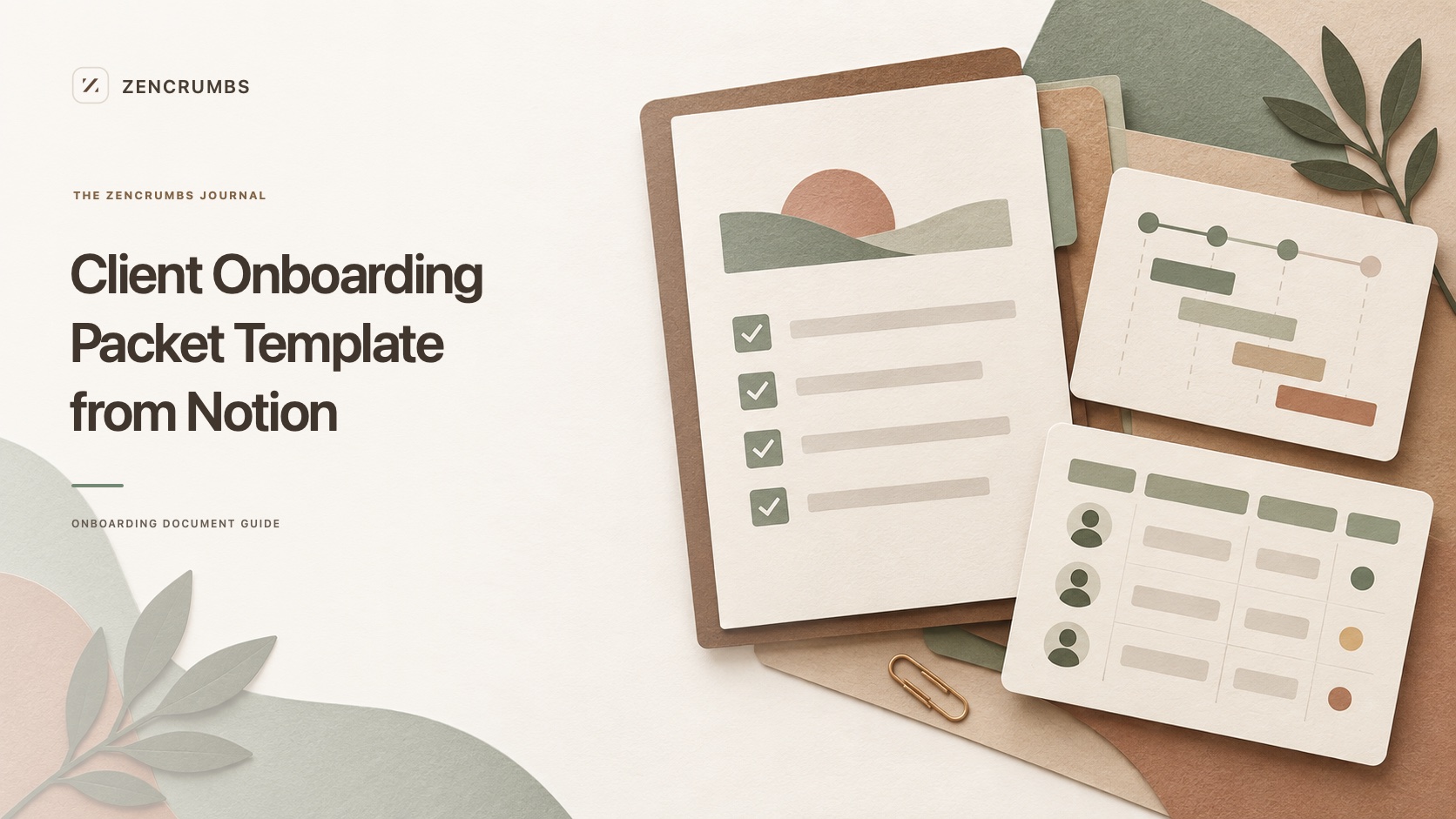
A client onboarding packet gives a new client one clear place to find the information they need to begin working with you. If you already track client and project details in Notion, you can prepare a consistent packet from those database pages instead of rebuilding the document layout each time.
This guide covers the document itself. Use your Notion workspace for task tracking, intake, and day-to-day project coordination. For the step before onboarding, see our guide to a freelance proposal template in Notion.
What belongs in a client onboarding packet?
Keep the packet focused on what the client needs to know or do next. A practical client onboarding packet template can include:
- A welcome and a short description of the engagement.
- Your main contact and the best way to reach you.
- Confirmed scope, deliverables, and key dates.
- How feedback, approvals, and check-ins will work.
- Materials or information the client needs to provide.
- The next step, such as scheduling a kickoff or reviewing a brief.
Only include details you have confirmed. If the scope or timeline is still being discussed, leave it out or label it clearly as a draft.
Prepare a client page in Notion
Create or use a client database with the properties needed for the packet, such as the client name, project, contact, start date, agreed deliverables, and kickoff details. Keep private internal notes separate from information you intend to share.
Choose an identifying property that makes each client page easy to find. Before generating a packet, make sure the selected page contains the current, approved information.
Make a reusable onboarding packet PDF
In ZENCRUMBS, connect the Notion database and create a template for the welcome packet. Add the fixed introduction and section headings, then put @ references beside the client-specific details you want to include.
Select the client page and review the filled preview. Check the contact details, dates, and agreed scope. Remove any internal-only content from the document template, then download the PDF and complete your usual review before sharing it.
ZENCRUMBS creates a PDF from selected database values and your template. It does not collect intake forms, assign onboarding tasks, send the packet, or manage approvals, so keep those steps in the workflow you already use.
A quick review before sharing
- Does the packet explain what happens next?
- Are responsibilities and dates clear?
- Does it contain only information this client should receive?
- Is the selected client page correct?
- Does the PDF read well on a phone and a computer?
Keep the first version simple
Start with the questions you answer for every new client. A short, accurate packet is easier to maintain than a long document that repeats information the client already has.
Get started with ZENCRUMBS or follow the getting started guide.
Keep exploring
How to Batch Export Notion Database Pages as PDFs
Create separate PDFs for multiple Notion database pages and download them together in one ZIP with ZENCRUMBS.
Read articleTurn Notion Pages and Databases into Polished PDFs
A practical guide to preparing Notion content, choosing between a one-off export and a reusable template, and reviewing a clean PDF.
Read article
Client Project Handoff Checklist for Freelancers
Use a practical client project handoff checklist to organize final files, access, open items, and next steps in Notion.
Read article
How to Edit a Notion PDF Template on Your Phone
Create or edit a ZENCRUMBS PDF template on a phone, switch to a full-page preview, and check the layout before downloading.
Read article