
Freelance Proposal Template in Notion
Build a clear freelance proposal template around Notion database properties, then format each proposal as a reusable PDF.
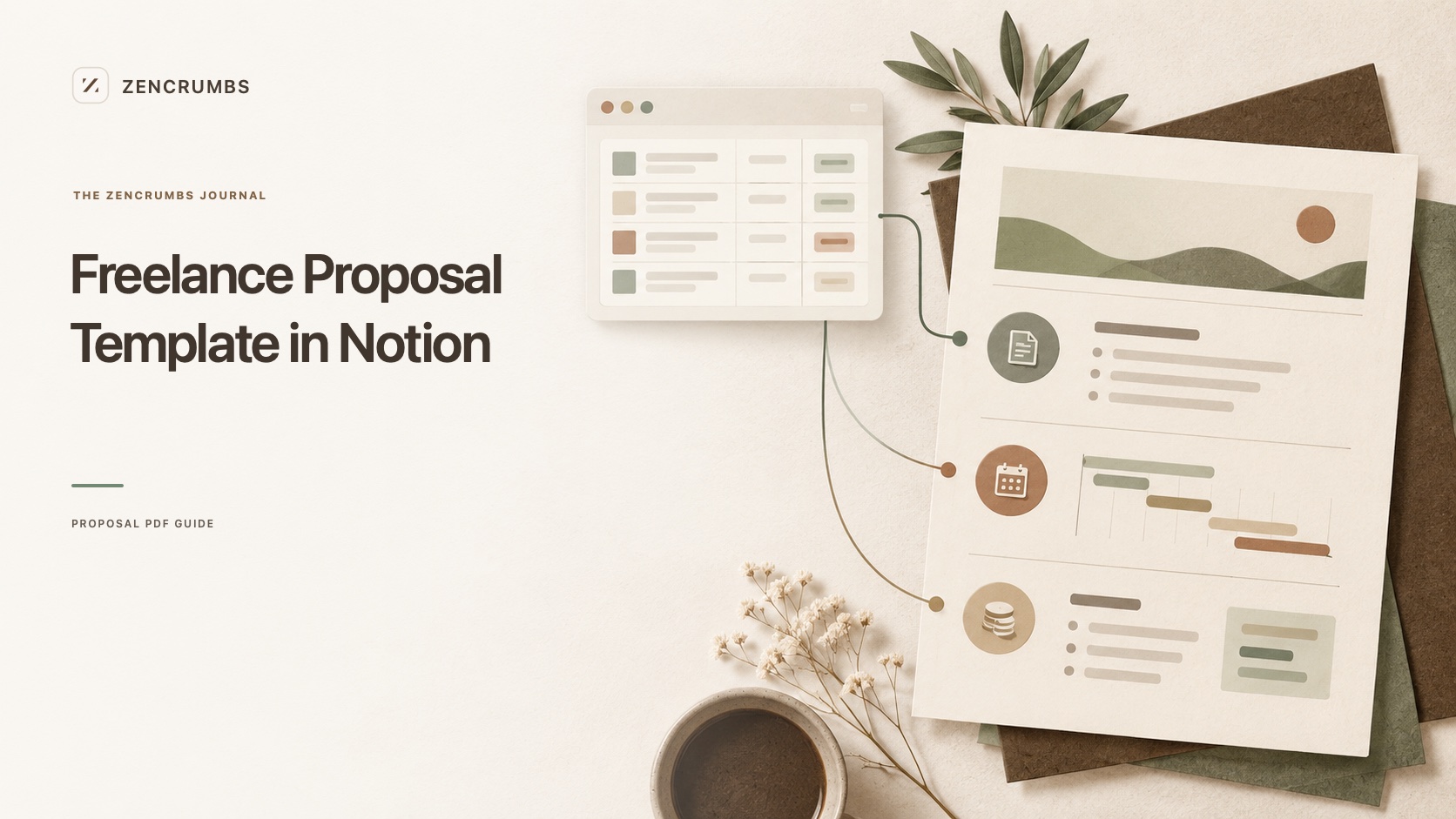
Looking for a freelance proposal template in Notion? Start with the decisions a client needs to make: the goal, your proposed work, the deliverables, the timeline, the fee, and what happens next.
Notion can hold the details for each opportunity. A reusable document template gives those details a consistent shape when you prepare a proposal PDF.
What to include in a freelance proposal
A useful client proposal is specific enough to review and short enough to scan. Adapt these sections to your service and the size of the project:
- Project summary: the client’s goal and your understanding of the request.
- Proposed approach: the work you recommend and why it fits.
- Deliverables: the concrete items the client will receive.
- Schedule: key dates, milestones, and dependencies.
- Fee and payment terms: the amount and the basis for it.
- Scope boundaries: assumptions, exclusions, or revision limits that matter.
- Next step: how the client can approve or discuss the proposal.
Remove sections that do not help this client make a decision. Confirm scope, fees, dates, and terms yourself before sharing the document.
Keep proposal details in a Notion database
Use one database page for each proposal or opportunity. Properties might include the client name, project name, proposal date, service, deliverables, schedule, fee, and status. Keep longer notes or project context in the page so you can refer to them while writing.
Choose a property with a clear value for each page, such as the project name, so you can find the proposal you want to prepare. Store confirmed details in Notion; do not rely on a template to calculate pricing or decide what belongs in the scope.
Turn the proposal into a reusable PDF
In ZENCRUMBS, connect the Notion database and create a document template for your proposal layout. Add fixed headings and explanatory copy, then place @ references where properties from the selected page should appear.
Select a page and review the filled preview. Check that the proposal reads naturally, the correct client is selected, and longer project details fit. Adjust the template or source page, then download the PDF for your own review and delivery process.
ZENCRUMBS formats selected Notion values in your document layout. You still write and tailor the proposal, confirm its commercial terms, and send it to the client.
A simple proposal checklist
Before sending, confirm:
- The client and project details are correct.
- Deliverables and exclusions are easy to understand.
- Dates and fees match your agreement.
- The proposed next step is clear.
- The PDF is readable on screen and on paper.
For the wider database-to-PDF workflow, see how to turn Notion pages and databases into polished PDFs. After a proposal is accepted, you can use the same approach for a client onboarding packet from Notion.
Make one template your starting point
Build a short version around the kind of work you pitch most often. Keep the structure stable, then edit the scope and recommendation for every client.
Get started with ZENCRUMBS or read the getting started guide.
Keep exploring
How to Batch Export Notion Database Pages as PDFs
Create separate PDFs for multiple Notion database pages and download them together in one ZIP with ZENCRUMBS.
Read articleTurn Notion Pages and Databases into Polished PDFs
A practical guide to preparing Notion content, choosing between a one-off export and a reusable template, and reviewing a clean PDF.
Read article
Client Onboarding Packet Template from Notion
Plan a clear welcome packet with a reusable client onboarding checklist, then turn selected Notion database pages into a PDF.
Read article
Client Project Handoff Checklist for Freelancers
Use a practical client project handoff checklist to organize final files, access, open items, and next steps in Notion.
Read article